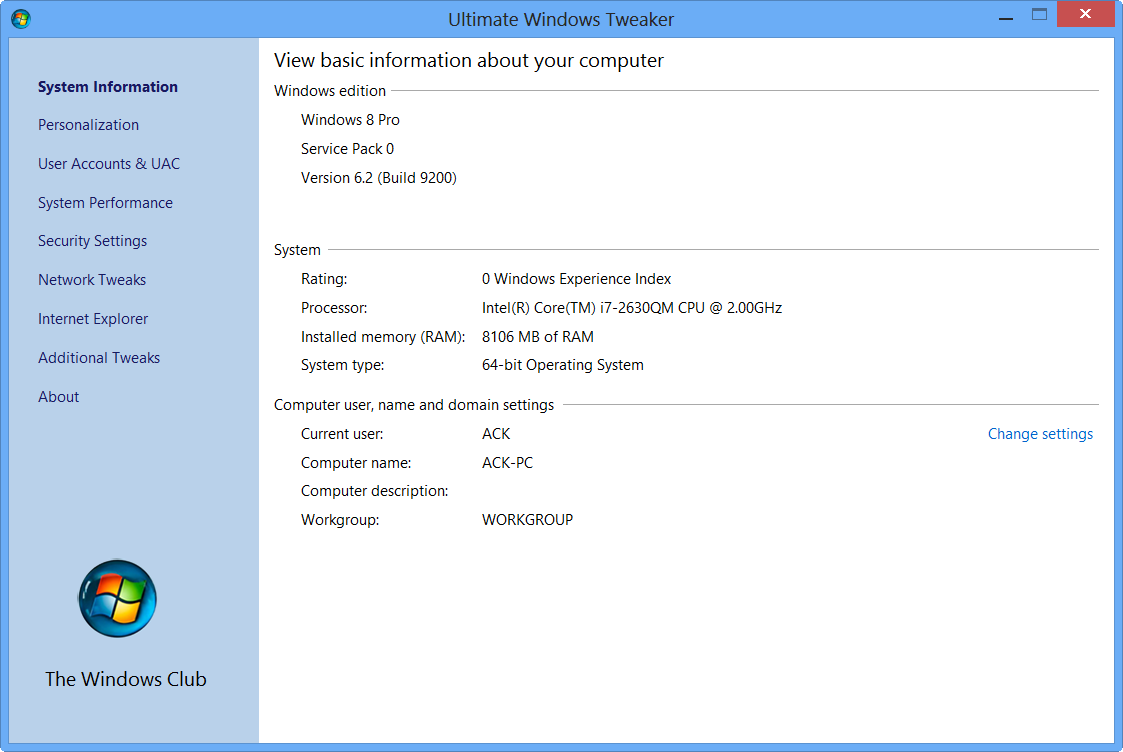
We are pleased to release our Ultimate Windows Tweaker for Windows 7 and Windows Vista. Ultimate Windows Tweaker 2.2 is a freeware TweakUI Utility for tweaking and optimizing Windows 7 & Windows Vista, 32-bit & 64-bit. This Tweaker was first released at the Microsoft South Asia MVP Meet 2008. It can simply be downloaded and used as a portable application to customize your Windows to meet your requirements. With judicious tweaking, it can make your system faster, more stable, and more secure with just a few mouse clicks. The tweaker detects whether you have Windows 7 or Windows Vista installed and accordingly offers you the relevant tweaks only.
UPDATE:
- Windows 11 users can use Ultimate Windows Tweaker 5.
- Windows 10 users may want to see this post – Ultimate Windows Tweaker 4 for Windows 10.
- Windows 8 & Windows 8.1 users may want to see this post – Ultimate Windows Tweaker 3 for Windows 8.
Change Log and additional tweaks included in UWT v 2.2:
Internet Explorer
- Supports Internet Explorer 9
- Enable Menu bar permanently
- Always on InPrivate Filtering
- Hide Compatibility View button
- Disable sending keystrokes to your default search engine
- Enable Quick Tabs
- Manage no. of rows in about:Tabs (IE9 only)
- Disable caching of SSL pages
- Enable software rendering instead of GPU rendering (IE9 only)
User Accounts & UAC
- Manage user accounts (improved)
System Performance
- Disable PAE
Other
- Extensive code optimization for speed improvement
- Improved refreshing capability after applying tweaks
- No more prompts after each Apply clicks
- Some UI and typo fixes.

Ultimate Windows Tweaker 2.2 is a 345KB .exe file which does not require an install, but yet packs over 150 tweaks & settings. Simply download the zip file, extract its contents, and run it.
Please don’t detach Empty Icon from executable’s root, the Empty Icon is copied to the system directory and referred in runtime.
The tweaker has been designed by Ramesh Kumar for The Windows Club.
It is always recommended to create a system restore point before tweaking your system, and hence an easily accessible button for creating the same has been provided in the tweaker. Should you wish or need to, you can always restore your system to the Windows default settings using the Restore Defaults button and applying them.
You may want to check out our other Windows freeware releases like FixWin, etc!