
To open or access the Windows Registry, we usually open the Run box, type regedit and hit Enter. Do it twice and still only one instance of the Registry will open. If for some reason you need to have multiple instances of the Registry Editor open in Windows 11/10/8/7, how would you do it?
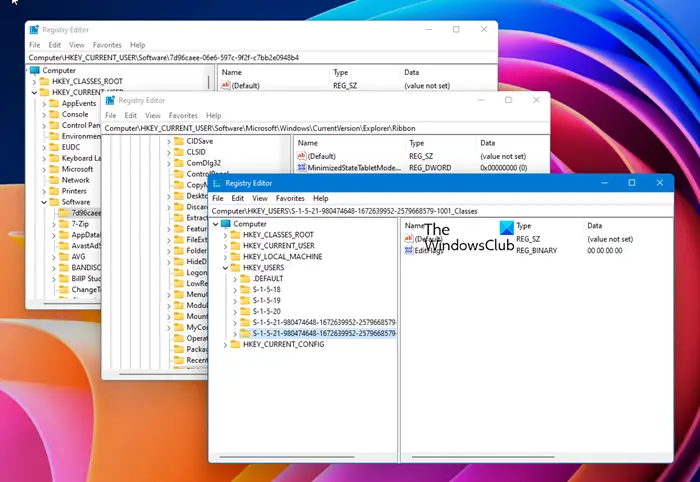
Open multiple instances of Registry
As I mentioned, if you try opening more than one instance of the Registry Editor by using ‘regedit’ more than once, you will find that nothing happens … i.e., it will open only one instance of it.
- To open additional instances of regedit, simply use the -m or /m switch.
- That is, open Run box, copy-paste regedit -m or regedit /m in it and hit Enter.
- Do it twice, and you will see two instances of the Registry window open.
How do I open multiple instances of the same program?
You can open second or multiple instances of the same program. I tried running two instances of Calculator on my Windows, using this trick and was able to do so. I ran calc.exe and then calc.exe /m.

This may work on other applications too.
Related reads:
- How to open multiple instances of Microsoft Store apps
- How to open multiple instances of Microsoft Teams
- How to open multiple apps at once from Start Menu
- How to launch multiple programs with one shortcut.
These links may also interest you:

