
If you were ever to forget your Windows login password, then Windows 11 and Windows 10 offer two tools that help you to deal with it:
- Password Hint
- Password Reset Disk
Recover from forgotten Windows password
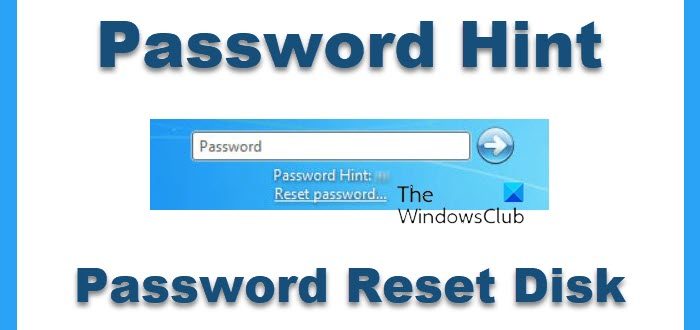
Let us see how you can recover from a lost or forgotten password in Windows OS.
1] Password Hint
Your Password Hint appears below the password entry box after you make an incorrect entry and then click OK. You can create a hint when you set a password with User Accounts.
Read: What to do if I forgot my computer password?
2] Password Reset Disk
A Password Reset Disk, allows you to change your password, without needing to know your old password. You can make a password reset disk only for your local user account. This disk contains a single file named Userkey.psw, which is an encrypted backup version of your password.
You can create a password reset disk as follows :
To create a password reset disk You’ll need to have removable media available viz. USB, floppy, CD, external hard drive, or a memory card.
- Log on using the account for which you want to create a password reset disk.
- In the Control Panel, open User Accounts.
- In the Tasks pane, click Create A Password Reset Disk to launch the Forgotten Password wizard and then follow the wizard’s instructions.
To use the password reset disk when you forget your password:
- On the login screen, make an entry in the password box. If you guess right, you’re in! If you are wrong, Windows informs you that the password is incorrect.
- Click OK. The logon screen reappears, but with additional text below the password box.
- If the first bit of additional text, your password hint, tries to jog your memory, enter your password. If not, click Reset Password to open the Password Reset wizard. This wizard asks for the location of the password reset disk, reads the encrypted key, and then asks you to set a new password, which it then uses to log you on.
Well, you could also always have an administrator log on and change or remove your password for you, but you’ll lose access to your encrypted files, e-mail messages, and your stored credentials.
You can also use some 3rd-party free Password Recovery Tools. You don’t need to access to Windows to be able to recover your lost passwords. Download the free ISO image, burn it to a CD, and boot it to the CD. It then locates the Windows user accounts.
Read: Microsoft policy on lost or forgotten Windows passwords.
Also see this post on Windows Password Recovery for more suggestions.

