
Microsoft Internet Explorer stores Cookies in different files on your hard disk drive. The more you browse the web, the more cookies are stored on your PC. Each cookie has its own lifetime; from several seconds to several years. However, IE does not remove expired cookies from your Windows 10/8/7 PC even they are expired and will be never used. Therefore, your hard drive can store several hundred or even thousands of unused and useless files.
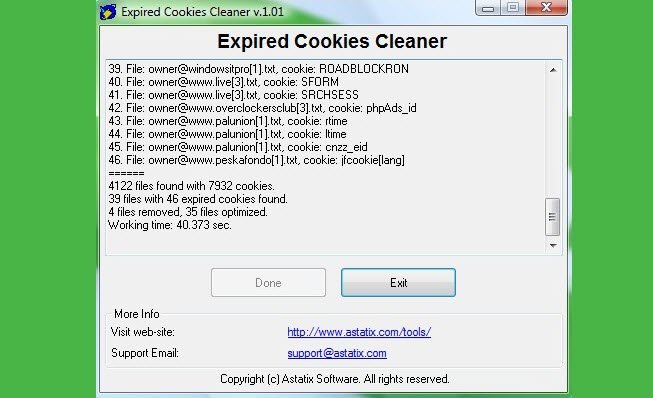
Expired Cookies Cleaner for PC
So you have to empty the complete cookie folder to delete all the cookies, should you wish to clear disk space. Most do so! Moreover, some anti-malware considers some cookies as a threat of sorts, and as such removes them. Whether cookies are an overrated threat, is another question.
But if you are like me, who values the cookies, because maybe they help you auto-log into several of your regular forums or blogs or websites, or preserve your preferred personalized settings, then you may not want to lose such cookies.
You may want to only delete the expired cookies or optimize them. What does optimize mean? Cookies are stored in files. One file may contain more than one cookie. If only several cookies (not all) in this file are expired, then these cookies are deleted, from a file and reported as optimized.
Expired Cookies Cleaner is a freeware that allows you to do just that.
You can download the 27Kb freeware, Expired Cookies Cleaner from here. It works just fine even today, on the latest versions of Windows and Internet Explorer.

